










Currently the newest version available is Version ...retrieving data...
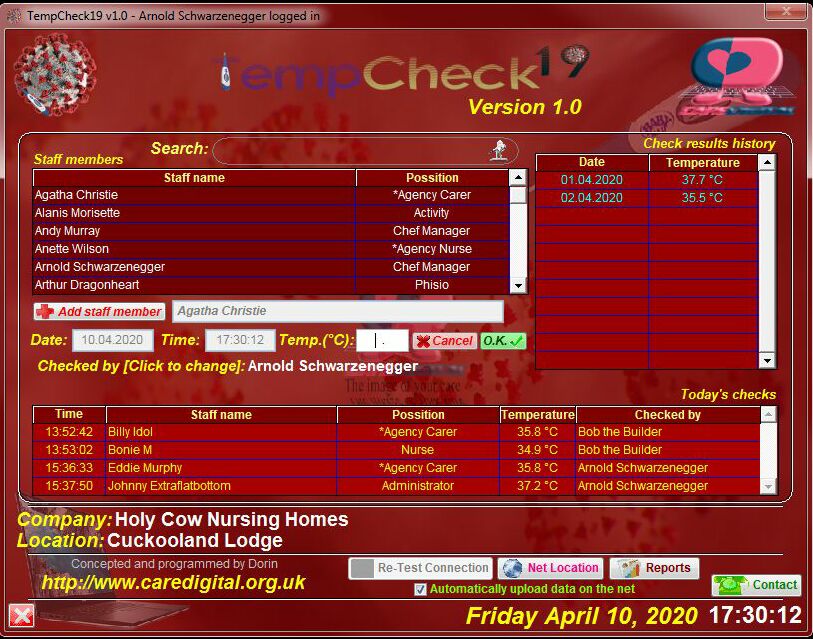 Intended
for authorized personnel use
ONLY,
"TempCheck19"
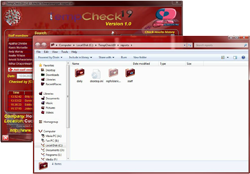
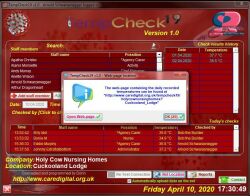
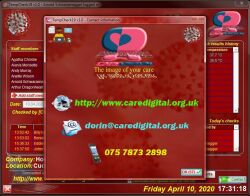
is a staff body temperature recording application, allowing the monitoring,
processing
and storing working staff's temperatures during epidemic outbreaks and in other
emergency cases.
Intended
for authorized personnel use
ONLY,
"TempCheck19"
is a staff body temperature recording application, allowing the monitoring,
processing
and storing working staff's temperatures during epidemic outbreaks and in other
emergency cases.
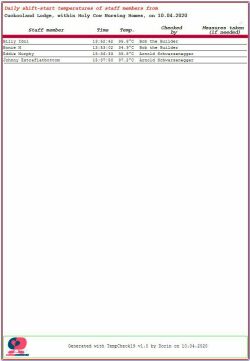
The data collected, stored and processed by this application can be of great value, not only by flagging up suspicious temperature evolution, but also by being easily accessed and analyzed by Health Care professionals as well.
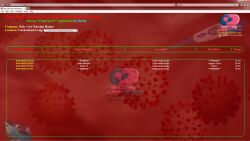
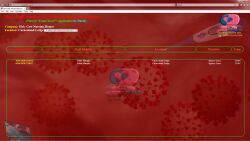
The daily data collected by this application will be visible from the main server, in a real-time manner, although some employee names and positions will appear as "withheld", in case they do not give their consent in using their names, in accordance with the GDPR.
However, the authorized institutions will have access to their full data, securely decoded by a sattelite application of "TempCheck19".
The application is distributed FREELY, and the developer waives his rights to benefit in any way from the using of the application; The online data storage space used by the application is offered for free as well, along with the permission for Health Care professionals to synthesise and analyse the collected data.
By using this application, the Companies agree to share the collected data with Health Care professionals, in order to better understand the spreading mechanism, the connections between the infection onset with the temperatures evolution.
No data will be publicly displayed online without the affected person's consent.
Benefits of using "TempCheck19":
Well, let's do a small comparison between using the common paper logs system and using "TempCheck19":
|
Task |
Using classic standard paper logs |
Using "TempCheck19" |
|
People touching the thermometers and logs |
Everyone |
Nurse in charge or the person recording the temperatures |
|
Person responsible for recording the correct data |
No one |
Nurse in charge or the person recording the temperatures |
|
Likeliness of entering "bogus" data |
High |
Minimal, close to None |
|
Finding out if a staff member had high temperature one of the immediate previous days |
Try to remember what temperatures the specific staff member had the other days, or verify all past paperwork |
See the "Monitoring" alert for the specific staff member. |
|
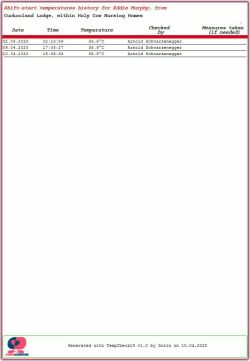
Reviewing a staff member's temperatures history |
Dig up all logs from previous days, find the records for the staff member and make a list |
Click on the staff member |
|
Find out if and when a staff member had a high temperature, and if the time is right to return to work |
Hope you will remember the staff member had a high temperature somewhere in the past, and rummage through the paperwork to find out when |
Check the monitoring status of the staff member, and when the recorded action was "Sent Home" |
|
Head Office asking for some of the logs |
Call the Home/Location, ask for the logs and allow them time to find them and fax them over, or send someone to retrieve them |
Use the supplied special application. |
...we will let you draw your own conclusions...
Drawbacks of using "TempCheck19":
None ... for now...
|
|
|
Visitors: ...retrieving data... |
|
|



 by Dorin


 0
0
0
0